




























Access physiotherapy and related research, evidence and publications via our wide range of online tools, digital resources and archive services.
Members have access to online and newly digitised resources including eJournals, eBooks, eTheses, databases, CSP publications, information skills guides and much more.
If you need help with the online services, please go to Help and tutorials or contact the eLibrary, Knowledge and Archive Services.
Email: library@csp.org.uk
WorldCat Discovery
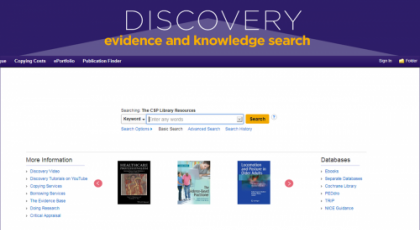
WorldCat Discovery is the library catalogue of CSP’s eLibrary, Knowledge and Archive Services. Whether you're looking for eBooks, eJournal articles, eTheses, or CSP publications, start your search on this comprehensive platform.

EBSCO Discovery Service (EDS)
EDS allows you to search and access content from our subscribed online resources.
Bibliographic databases
You can access our subscribed online databases separately if you wish. These include: AMED, CINAHL Plus with Full Text, MEDLINE, SPORTDiscus, and Trip Pro.

Help and tutorials
We have created step-by-step guides for members wanting to use our information services and online resources, offering tips to ensure you get the best out of our services, resources and collections.

Articles and document supply
Members and non-members can request copies of materials for work or study – there may be a charge for some requests.

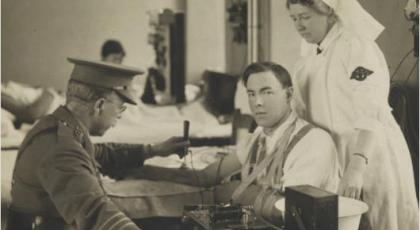
Historical resources
Resources for anyone wishing to delve deeper into the history of physiotherapy and a quick steer for those engaged in family history.